ClickUp backup, automatic every day. Never lose a task again.
ClickUp Backup saves a complete daily snapshot of your workspace — tasks, subtasks, comments, custom fields, attachments and structure — ready to download from any day you choose. From €19/month, cancel anytime.
See plans from €19/mo How it works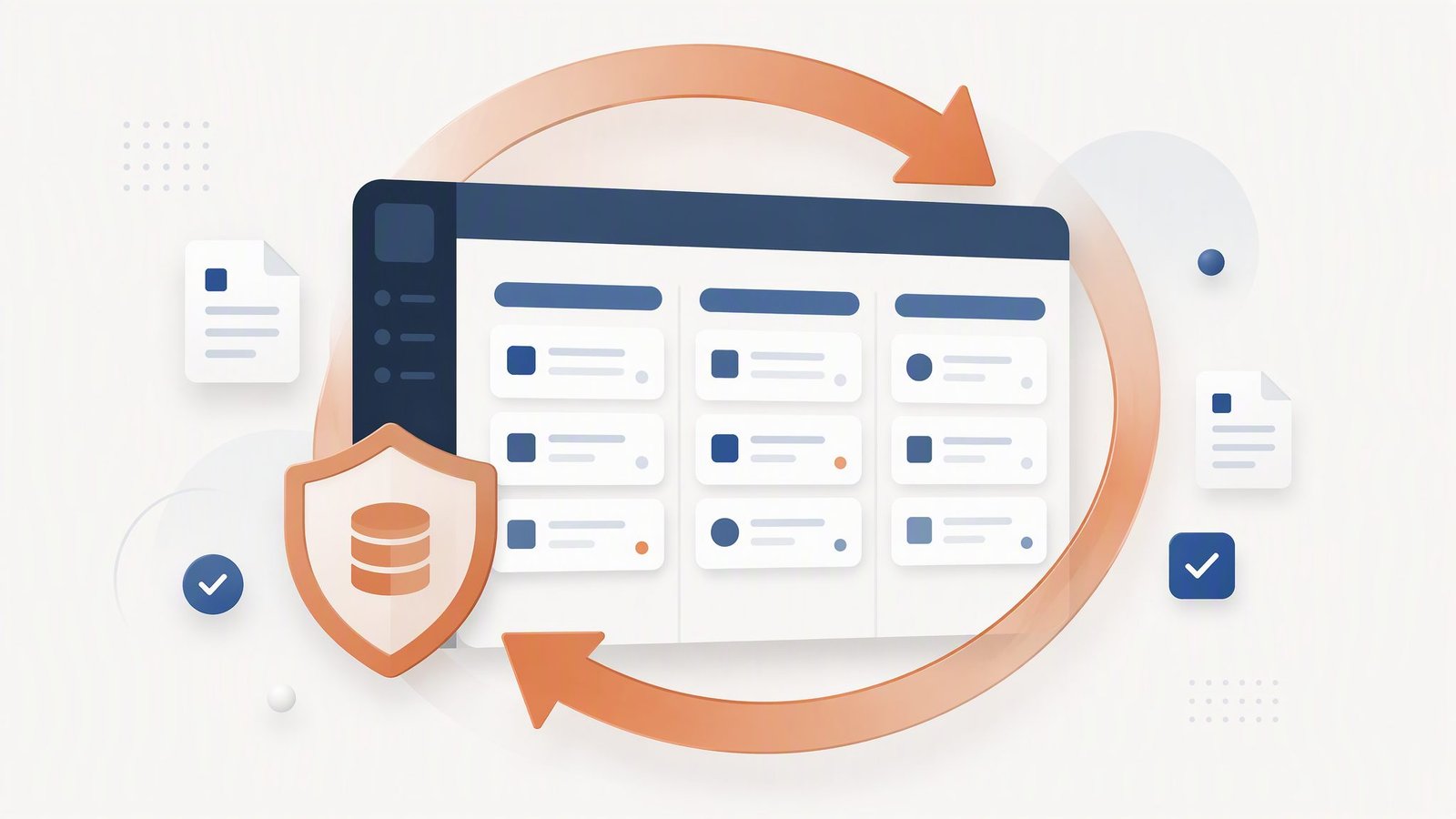
Your projects live in ClickUp. One wrong move can erase them.
ClickUp's trash only keeps deleted items for a short time, and plenty of damage never touches the trash at all. When work disappears, it's gone for the whole workspace.
The accidental delete
Someone archives or deletes the wrong task, list or folder — with its subtasks, comments, attachments and history. The trash window is short, and it doesn't cover everything.
The automation that ran wild
A misconfigured automation or a bulk edit rewrites statuses, assignees and custom fields across hundreds of tasks overnight. There is no undo button for that.
The bad import
A CSV import mapped to the wrong columns overwrites clean tasks with junk data. Bulk changes like this bypass the trash completely.
An Excel export is not a backup.
ClickUp's exports are built for reporting, not recovery: flat CSV files, tasks only, no comments or attachments, no dated history. A backup keeps the whole workspace — from any day you choose.
| What's preserved | ClickUp Backup | ClickUp's export |
|---|---|---|
| Tasks and subtasks with all custom fields | ✓ | ✗ |
| Comments and activity history | ✓ | ✗ |
| Attachments and files | ✓ | ✗ |
| Statuses, tags, assignees and due dates | ✓ | ✗ |
| Space, folder and list structure | ✓ | ✗ |
| Relationships between tasks and docs | ✓ | ✗ |
| A complete daily snapshot, from any date | ✓ | ✗ |
Based on ClickUp's standard export features as documented in October 2026.
Protected in three steps.
Nothing to install, nothing to maintain. From signup to first snapshot in about three minutes.
Choose your plan
Pick a plan and leave your email — you pay nothing until your workspace is connected and you've checked the setup.
Connect ClickUp
Authorize read-only access through ClickUp's own login (OAuth). We never see your password, and you can revoke access whenever you want.
We take it from there
Your first snapshot starts right away. From then on, a complete copy of your workspace is saved automatically, every single day.
Every plan includes a 30-day money-back guarantee.
Straightforward monthly plans. Cancel anytime.
Choose your plan, connect your workspace in minutes, and your backups start today.
Solo
For one ClickUp workspace
per month, per workspace
- 1 ClickUp workspace
- Automatic daily backups
- 30-day snapshot history
- Downloadable archives
- Email support
Team
For teams and small agencies
per month
- Up to 5 workspaces
- Automatic daily backups
- 90-day snapshot history
- Downloadable archives
- Priority email support
Business
For agencies and power users
per month
- Unlimited workspaces
- Automatic daily backups
- 1-year snapshot history
- Downloadable archives
- Priority support with SLA
30-day money-back guarantee on every plan. Cancel whenever you want — one email is enough.
Straight answers to common questions.
Can ClickUp Backup change or delete anything in my workspace?
What does a daily snapshot include?
How do I get lost data back?
Where is my data stored?
Something else on your mind? Read the full FAQ or email starthubproject1@gmail.com.
Your workspace, safe every single day.
Start now: 30-day money-back guarantee, cancel anytime.
See plans Talk to us